
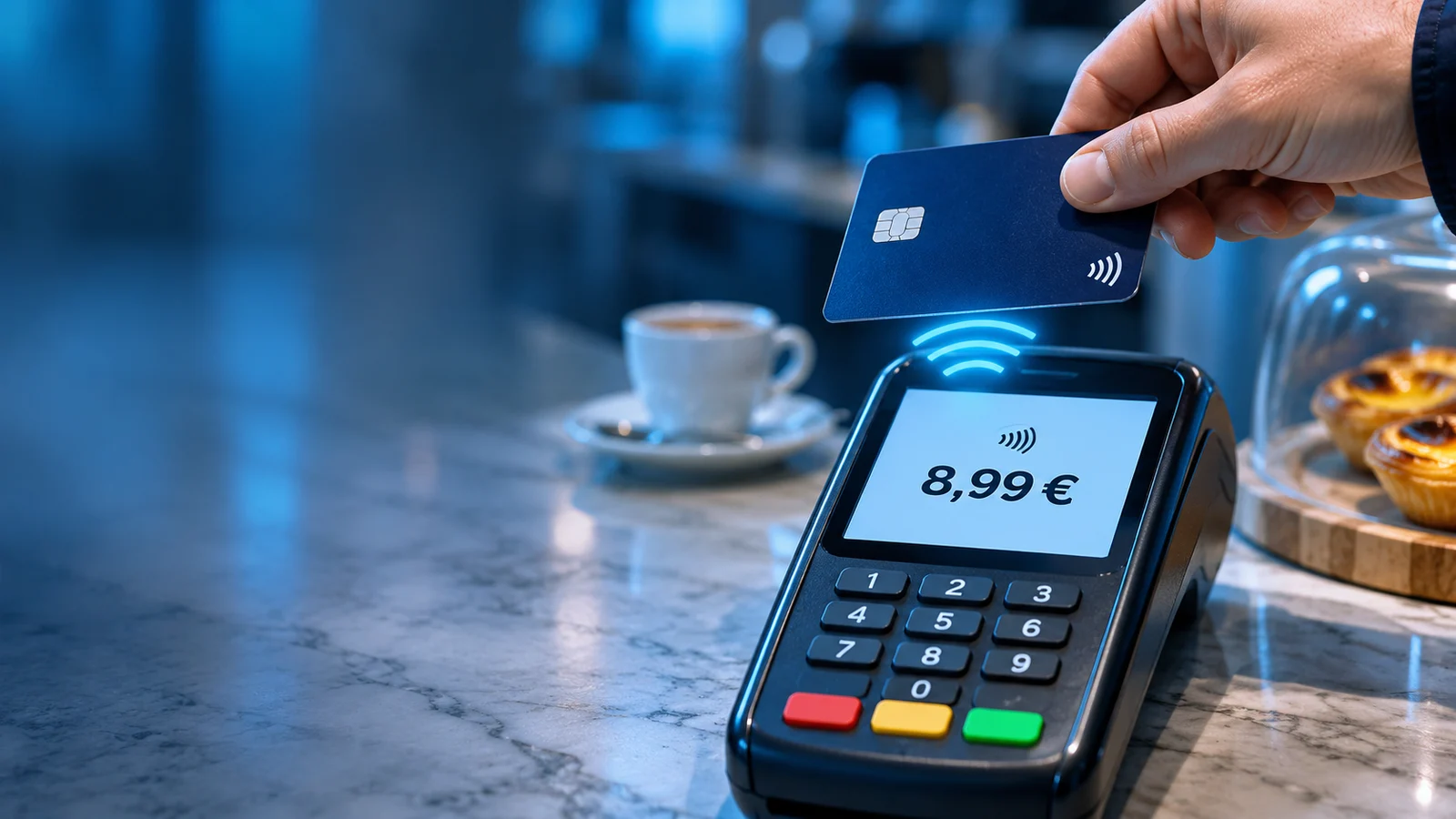
Check the amount before you tap
Paying with a card, phone or watch has become routine: tap, wait for confirmation and move on. That convenience should not replace a simple check: read the amount on the terminal before authorizing the payment.
On November 9, 2026, 4gnews reported a warning shared by Portugal’s Polícia Judiciária about the importance of checking the amount before making a contactless payment. This article draws on that report to outline practical precautions for personal purchases and company cards. [1]
An incorrect amount can go unnoticed
An incorrectly entered amount may be a mistake or a deliberate action. A customer who does not check the terminal may only discover the discrepancy when reviewing account activity.
The warning concerns authorizing a payment without checking the displayed amount. It should not be interpreted as evidence of a flaw in NFC technology or as a warning about money being taken remotely.
Contactless does not always mean no authentication
Banco de Portugal explains that a contactless card can generally be used without a PIN for payments of up to €50. Successive payments are also subject to a cumulative amount or transaction-count limit: €150 or five transactions. The card issuer may set lower limits. A low amount therefore does not guarantee that no authentication will be required. [2]
Payments made with a phone or watch may use their own authentication mechanisms. A PIN, biometrics or another confirmation does not replace checking the amount.
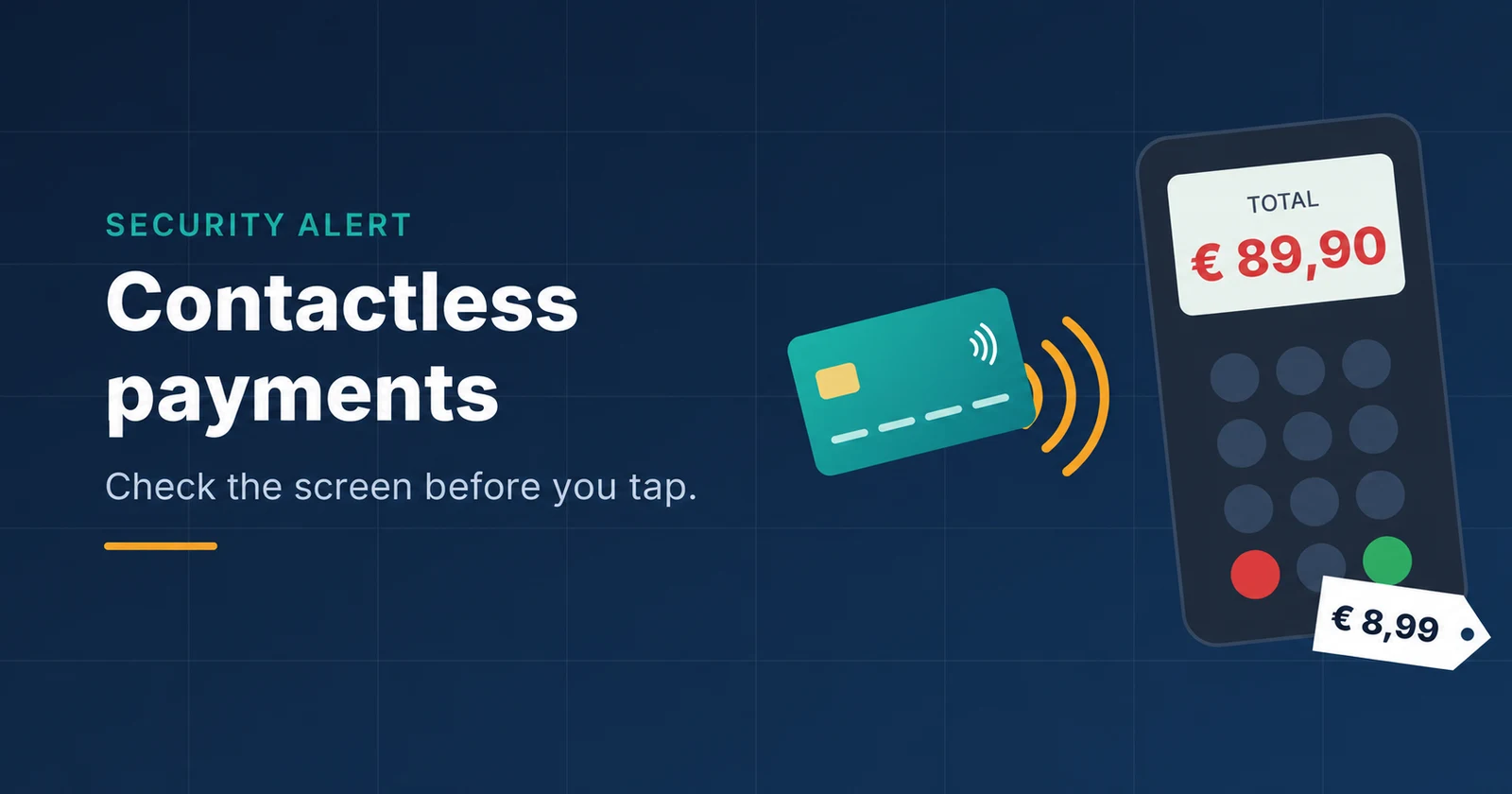
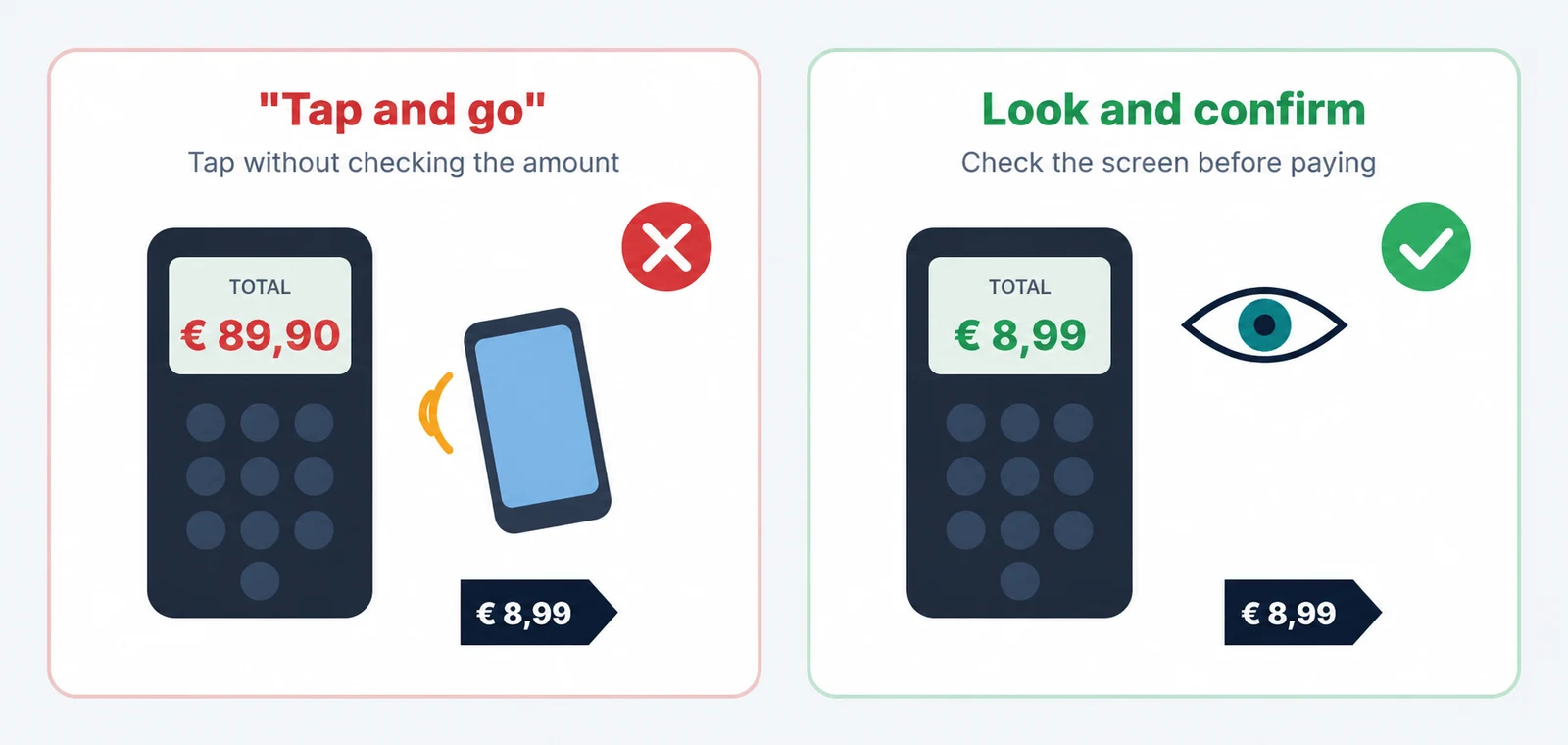
The €8.99 and €89.90 amounts in the illustrations show an example discrepancy, not a demonstration that a card payment of €89.90 can be made without a PIN.
Four habits that help protect you
- Look at the terminal screen before bringing your card or device close.
- Compare the displayed amount with the price or bill. If the screen is covered or turned away, ask to see it.
- Proceed only when the amount is correct. Ask for clarification before authorizing if anything is unclear.
- Keep the receipt and check the transaction in your banking app or account statement.
Use transaction notifications as an additional check
Check whether your bank offers transaction notifications and which card security controls are available. A prompt alert can help you notice an unexpected amount, although it does not prevent the payment itself.
These tools support account monitoring. The most useful check at the point of sale remains the same: read the amount before authorizing the transaction.
If you notice an incorrect charge
If you notice a discrepancy at the point of sale, ask for clarification and a receipt. If you do not recognize the transaction or suspect fraud, contact your bank promptly through official channels and ask how to dispute it and whether the card should be blocked. Keep the receipt, relevant transaction records, time and location.
If you suspect fraud, report it to the appropriate authorities, such as Portugal’s PSP, GNR or PJ. Acting promptly helps preserve information and limit risks, but reimbursement depends on the circumstances and assessment of the case.
What about your business?
Employees using company cards for travel, meals or purchases should follow the same precautions. Include amount verification in expense procedures and define how discrepancies should be reported to the responsible team.
A short awareness session can use everyday examples: a screen that is not visible, an unexpected amount or an unfamiliar transaction notification. The goal is to build the habit of pausing, checking and reporting.
At Cyberprotech®, we encourage clear procedures and training grounded in everyday situations. We can help your organization prepare employees to recognize suspicious requests, verify sensitive transactions and report incidents through the appropriate channels.