

Recovery continues; full resolution is not yet confirmed
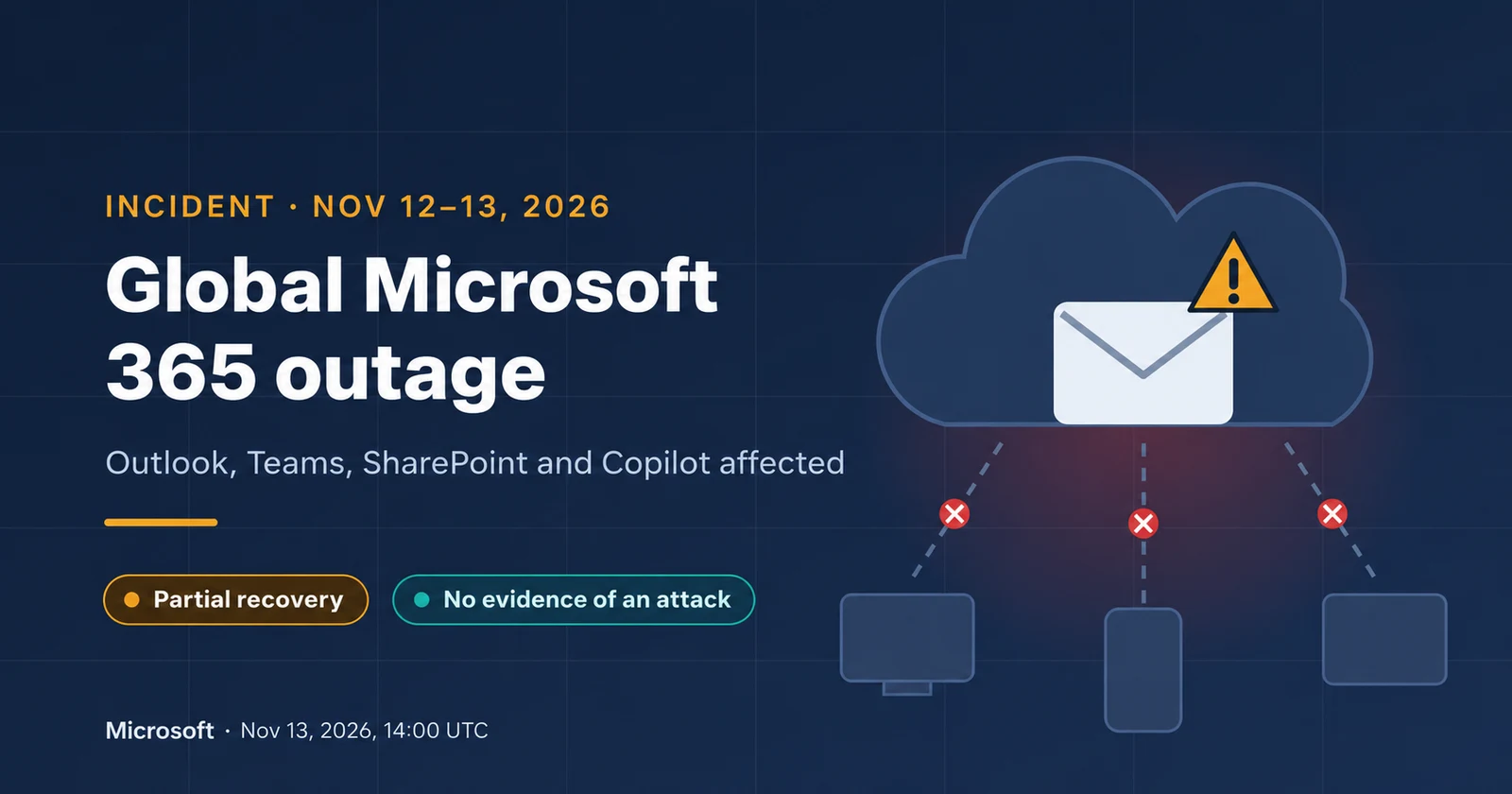
The global Microsoft 365 outage that began on November 12, 2026 continued into the following day, disrupting email access and collaboration features. Portuguese outlets RFM and Jornal Económico covered the disruption on Friday morning. [3] [4]
In its official November 13 update at 14:00 UTC — also mainland Portugal time on this date — Microsoft reported improving availability and significantly reduced email queues approaching normal levels. Some users could still experience intermittent access problems or delayed delivery. This update did not declare the incident fully resolved. [1]
This article is a snapshot, not a live monitoring dashboard. Check official service health and your organization’s information before making operational decisions.
The impact depends on the feature
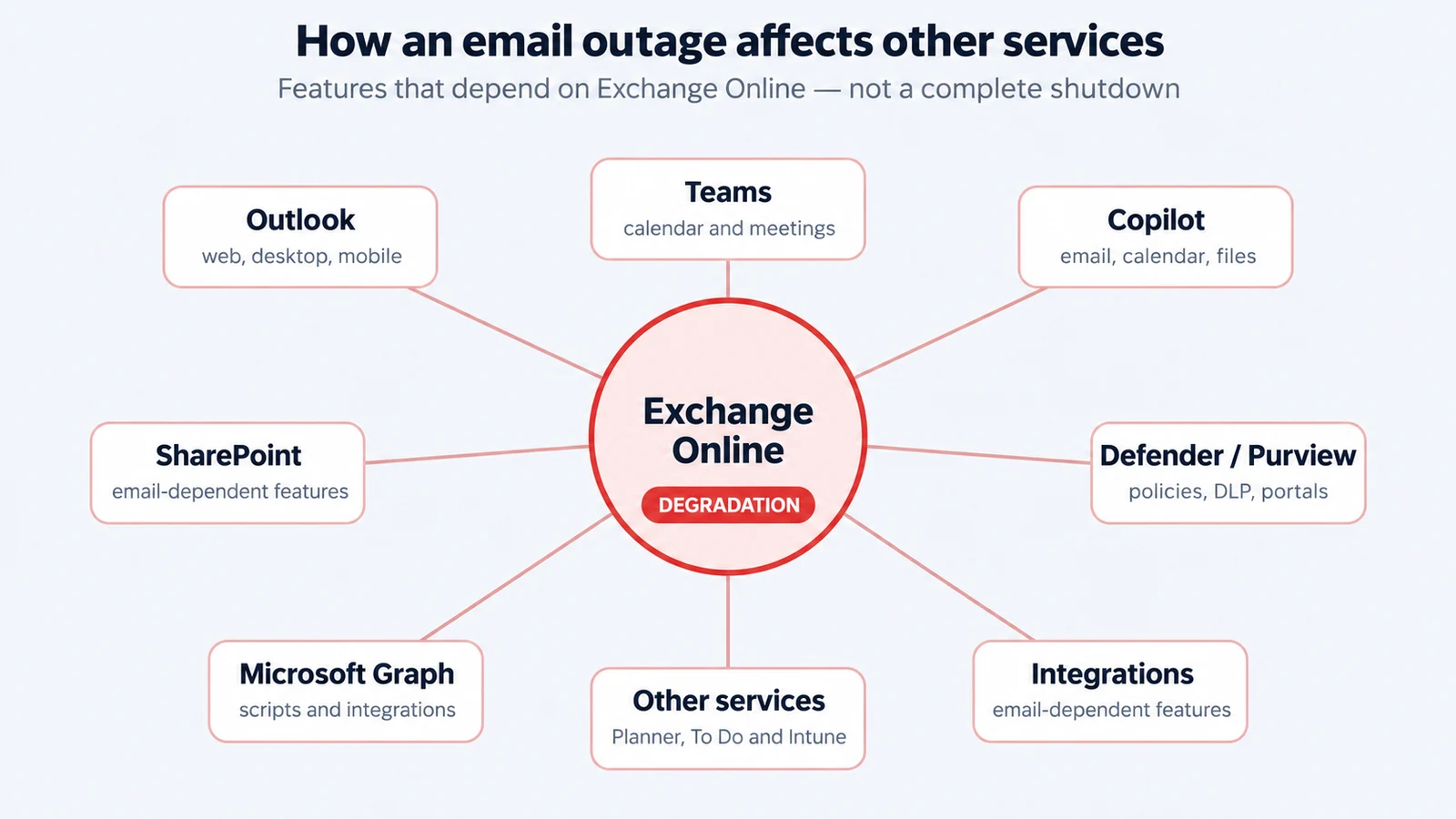
The official bulletin distinguishes Exchange Online-dependent features from functions that remain available. A global incident does not mean every application, region or organization is affected in the same way. [1]
- Outlook and Exchange Online: mailbox access through the web, desktop clients, mobile devices or REST connections may fail, and email delivery may be delayed. [1]
- Teams: calendars, invitations, scheduling and editing meetings, along with other Exchange-dependent features, may be affected. Microsoft says most core calling, meeting, group chat and channel messaging functions are not affected. [1]
- SharePoint Online: external sharing and Exchange-dependent features may fail; direct access to files stored in SharePoint remains functional according to the bulletin. [1]
- Microsoft 365 Copilot: chat may fail to load or respond, and access to work data including email, calendars and files may be affected. [1]
- Microsoft Graph: requests involving Exchange data may time out, affecting automation and integrations. [1]
- Defender and Purview: portals, policy evaluation, classification, labels and data loss prevention may experience failures or delays. The bulletin also lists features in Intune, Planner, To Do, Power BI and Universal Print, among others. Check the official list for relevant details. [1]
What is known about the cause
Microsoft says it is applying additional mitigations and restoring remaining affected infrastructure while investigating residual problems. It plans to describe the root cause and preventive actions in a post-incident report after mitigation. A technical hypothesis should not be treated as a confirmed root cause. [1]
At 14:00, the company said it had no evidence of malicious activity associated with the incident. That was its assessment at that time; it is not a general guarantee of no risk and does not remove the need to investigate suspicious activity within your organization. [1]
Portugal and the international picture
RFM reported Outlook and Teams feature problems while stressing that impact varied. Jornal Económico reported continuing disruption on the morning of November 13. These Portuguese sources provide context, but do not replace organization-specific service information. [3] [4]
Associated Press confirmed the international scope and reported recovery progress. Counts of reports on public platforms should not be interpreted as the total number of affected customers. [5]
How to check your organization’s status
In the Microsoft 365 admin center, open Health > Service health. Microsoft provides incidents, impact descriptions, updates and history relevant to the organization’s services. If you cannot sign in, use the public service status page. [2]
The supplied incident briefing lists references EX1550543 and MO1550821. Confirm their relevance and current status in your own admin center; this article is not based on access to a customer environment. Retain the post-incident report when available.
Cyberprotech recommendations during the disruption
The following are Cyberprotech business continuity recommendations. Adapt them to your processes, service criticality and the responsible team’s instructions.
- Notify staff through a previously approved alternative channel independent of the affected services. Explain what is confirmed and when the next update is due.
- Before reinstalling applications, deleting profiles or changing configuration, check whether the symptoms match the provider incident. Postpone nonessential changes; have urgent security actions assessed by the technical team.
- Do not disable MFA, link protection, security rules or sensitivity labels to bypass the disruption. Do not move company information to personal accounts or unapproved tools.
- Do not reset passwords solely because of this outage. If there are signs of compromise, follow incident response procedures and the security team’s instructions.
- Record times, errors and affected processes. Confirm receipt of critical messages through another channel and avoid repeated resends that could create duplicates.
- Treat unexpected requests for credentials or supposed repair tools as suspicious. Verify their origin through established channels.
After recovery: test before closing the incident
Regaining access does not prove every business process is back to normal. Cyberprotech recommends checking email delivery, calendars, invitations, sharing and critical integrations; reconcile pending tasks and document the observed impact.
Review alternative channels, supplier dependencies and continuity procedures. A backup alone does not guarantee the ability to work during a platform outage. Teams need to test how they communicate, access authorized information and maintain priority activities.
Cyberprotech can help identify these dependencies, define procedures and run continuity exercises suited to the organization.