Purposeful coverage
Select cameras and lenses for distance, field of view and available light. Check mounting positions and areas that need detail.

UniFi Protect · Cyberprotech
We bring cameras, recording and sensors together in a UniFi Protect solution tailored to your site. From equipment selection to event review, we help you monitor spaces and make informed decisions.
Each camera starts with a purpose: watching an entrance, monitoring an area or reviewing an incident. We plan the field of view, lighting, network and storage around that use.
Select cameras and lenses for distance, field of view and available light. Check mounting positions and areas that need detail.
Storage sized for camera count, resolution, recording activity and the retention period defined for the installation.
Configure detection zones and notifications. Tune alerts to site usage and define who receives and reviews each event.
Entry, motion and environmental sensors, sirens and compatible devices complement camera information.
Role-based permissions, privacy masks and controlled remote access. Configuration aligned with the purposes and responsibilities defined for the project.
Review connectivity, drive health and recording, with updates and technical support. Monitoring and response scope agreed in the service.
Detection, recording and integration features vary by model and version. We check compatibility and test the installation under actual operating conditions.
Official UniFi information ↗UniFi Protect · UniFi Access
UniFi Protect
Find people and vehicles in recordings and configure notifications with Smart Detections and Alarm Manager.
UniFi Protect
Recognise faces and licence plates on compatible models. Search vehicles by type and colour and filter audio events such as glass breaking or alarms.
UniFi Access
Use an Apple Wallet or Google Wallet credential on a compatible device to unlock doors, gates or lifts with UniFi Access. We verify readers, versions and service requirements.
UniFi Protect
Define what happens when an event is detected: send a notification or play a message on a compatible speaker.
UniFi Protect
Bring camera views from different sites together in Site Manager Video Walls, with access defined for each team.
UniFi Protect
Configure event copies to be sent to offsite storage. An additional layer of redundancy, dependent on connectivity and the configured destination.
Official Ubiquiti demonstrations. Features depend on compatible equipment and software. View at Ubiquiti ↗
Explore cameras, recorders, sensors and accessories in the Protect ecosystem. Some entries group product families and variants; final selection depends on purpose, site conditions and availability in Portugal.

For monitoring spaces with an integrated installation. We assess lenses, mounting and the detail needed in each area.
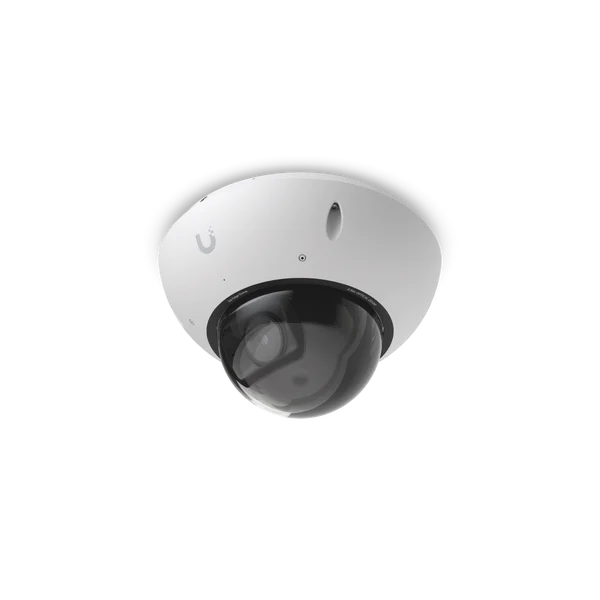
For monitoring spaces with an integrated installation. We assess lenses, mounting and the detail needed in each area.

For monitoring spaces with an integrated installation. We assess lenses, mounting and the detail needed in each area.

For monitoring spaces with an integrated installation. We assess lenses, mounting and the detail needed in each area.

For monitoring spaces with an integrated installation. We assess lenses, mounting and the detail needed in each area.

For monitoring spaces with an integrated installation. We assess lenses, mounting and the detail needed in each area.

For monitoring spaces with an integrated installation. We assess lenses, mounting and the detail needed in each area.

For monitoring spaces with an integrated installation. We assess lenses, mounting and the detail needed in each area.

For monitoring spaces with an integrated installation. We assess lenses, mounting and the detail needed in each area.

For monitoring spaces with an integrated installation. We assess lenses, mounting and the detail needed in each area.

For targeted views of entrances and routes. Lens selection and lighting guide the design.

For targeted views of entrances and routes. Lens selection and lighting guide the design.

For targeted views of entrances and routes. Lens selection and lighting guide the design.

For targeted views of entrances and routes. Lens selection and lighting guide the design.

For compact or discreet installations. We check connectivity, power and mounting conditions.

For compact or discreet installations. We check connectivity, power and mounting conditions.

For recording, analysis or viewing within Protect. We select the appliance for the required role and capacity.
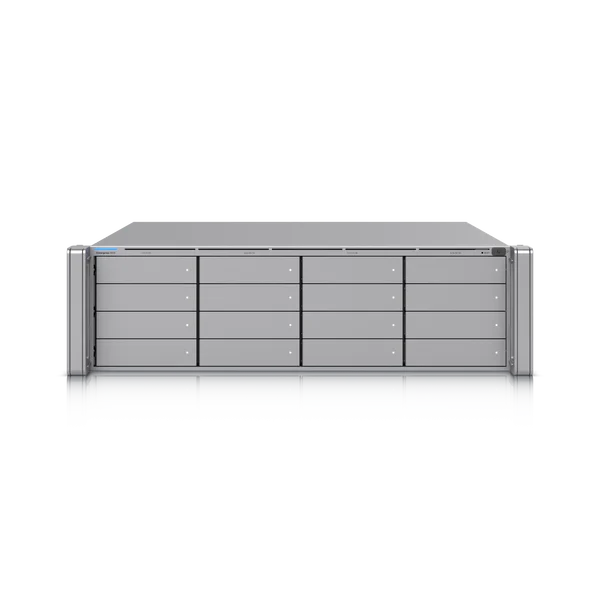
For recording, analysis or viewing within Protect. We select the appliance for the required role and capacity.

For recording, analysis or viewing within Protect. We select the appliance for the required role and capacity.
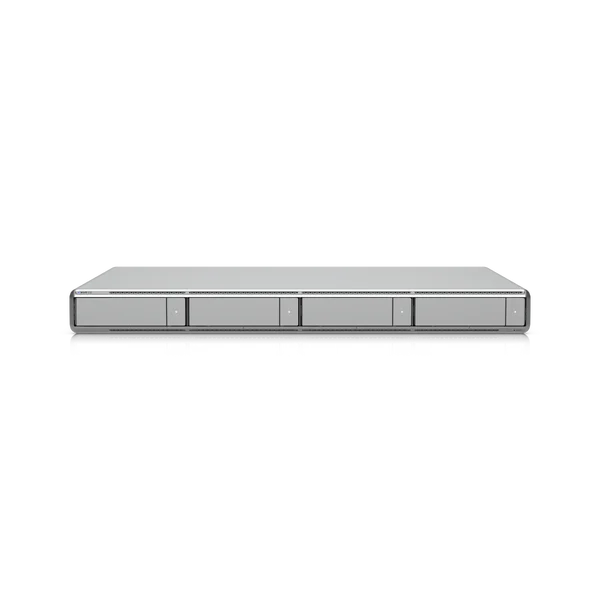
For recording, analysis or viewing within Protect. We select the appliance for the required role and capacity.

For recording, analysis or viewing within Protect. We select the appliance for the required role and capacity.
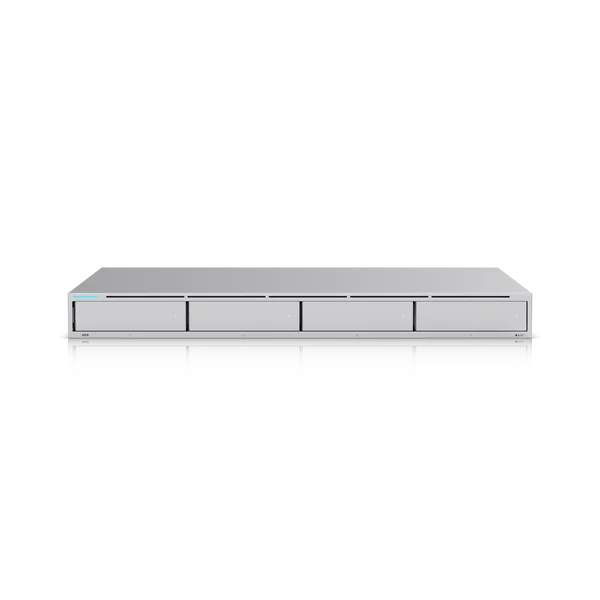
For recording, analysis or viewing within Protect. We select the appliance for the required role and capacity.

For recording, analysis or viewing within Protect. We select the appliance for the required role and capacity.

For recording, analysis or viewing within Protect. We select the appliance for the required role and capacity.

For recording, analysis or viewing within Protect. We select the appliance for the required role and capacity.

For recording, analysis or viewing within Protect. We select the appliance for the required role and capacity.

For recording, analysis or viewing within Protect. We select the appliance for the required role and capacity.

For monitoring spaces with an integrated installation. We assess lenses, mounting and the detail needed in each area.

For monitoring spaces with an integrated installation. We assess lenses, mounting and the detail needed in each area.

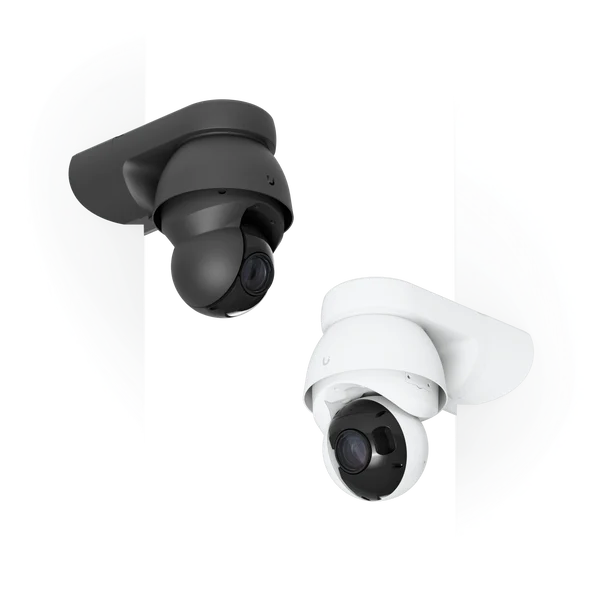
For adjusting views and monitoring larger areas with movement controls. We validate coverage and operation.
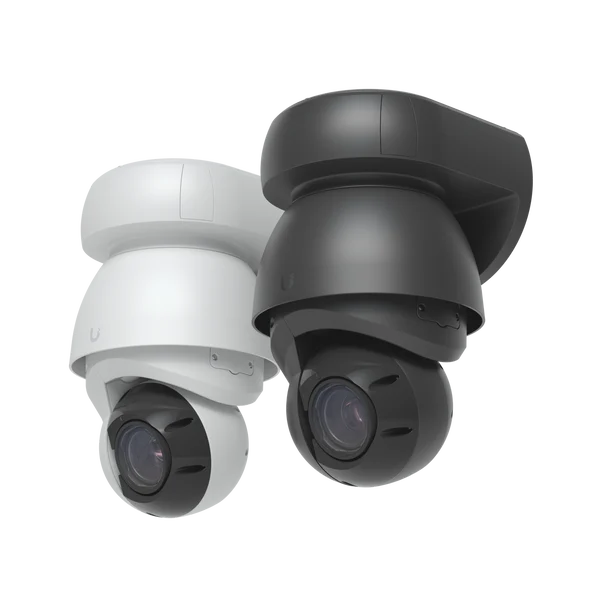
For adjusting views and monitoring larger areas with movement controls. We validate coverage and operation.

For adjusting views and monitoring larger areas with movement controls. We validate coverage and operation.

For adjusting views and monitoring larger areas with movement controls. We validate coverage and operation.

For monitoring entrances and receiving calls or events on compatible equipment. Variants are selected to suit the installation.

For monitoring spaces with an integrated installation. We assess lenses, mounting and the detail needed in each area.

For monitoring spaces with an integrated installation. We assess lenses, mounting and the detail needed in each area.

For monitoring spaces with an integrated installation. We assess lenses, mounting and the detail needed in each area.

For monitoring spaces with an integrated installation. We assess lenses, mounting and the detail needed in each area.

For monitoring spaces with an integrated installation. We assess lenses, mounting and the detail needed in each area.

For targeted views of entrances and routes. Lens selection and lighting guide the design.

For targeted views of entrances and routes. Lens selection and lighting guide the design.

For targeted views of entrances and routes. Lens selection and lighting guide the design.

For compact or discreet installations. We check connectivity, power and mounting conditions.

For compact or discreet installations. We check connectivity, power and mounting conditions.

For compact or discreet installations. We check connectivity, power and mounting conditions.

For additional detection, signalling or integration. We check the required function, gateway and power.

For additional detection, signalling or integration. We check the required function, gateway and power.

For additional detection, signalling or integration. We check the required function, gateway and power.

For additional detection, signalling or integration. We check the required function, gateway and power.

For additional detection, signalling or integration. We check the required function, gateway and power.

For additional detection, signalling or integration. We check the required function, gateway and power.

For additional detection, signalling or integration. We check the required function, gateway and power.
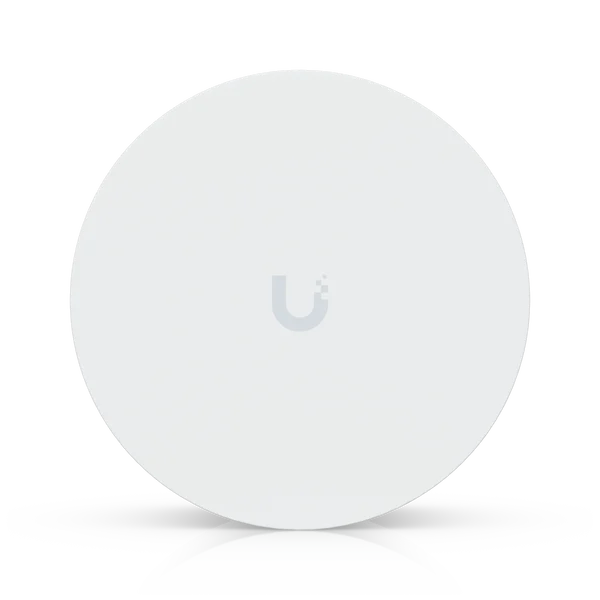
For additional detection, signalling or integration. We check the required function, gateway and power.

For additional detection, signalling or integration. We check the required function, gateway and power.

For additional detection, signalling or integration. We check the required function, gateway and power.

For additional detection, signalling or integration. We check the required function, gateway and power.

For additional detection, signalling or integration. We check the required function, gateway and power.

For additional detection, signalling or integration. We check the required function, gateway and power.

For additional detection, signalling or integration. We check the required function, gateway and power.

For additional detection, signalling or integration. We check the required function, gateway and power.

For additional detection, signalling or integration. We check the required function, gateway and power.

For mounting, powering or extending compatible equipment. We check the correct accessory for the model and site.

For mounting, powering or extending compatible equipment. We check the correct accessory for the model and site.

For mounting, powering or extending compatible equipment. We check the correct accessory for the model and site.

For mounting, powering or extending compatible equipment. We check the correct accessory for the model and site.

For mounting, powering or extending compatible equipment. We check the correct accessory for the model and site.

For mounting, powering or extending compatible equipment. We check the correct accessory for the model and site.

For mounting, powering or extending compatible equipment. We check the correct accessory for the model and site.

For mounting, powering or extending compatible equipment. We check the correct accessory for the model and site.

For mounting, powering or extending compatible equipment. We check the correct accessory for the model and site.
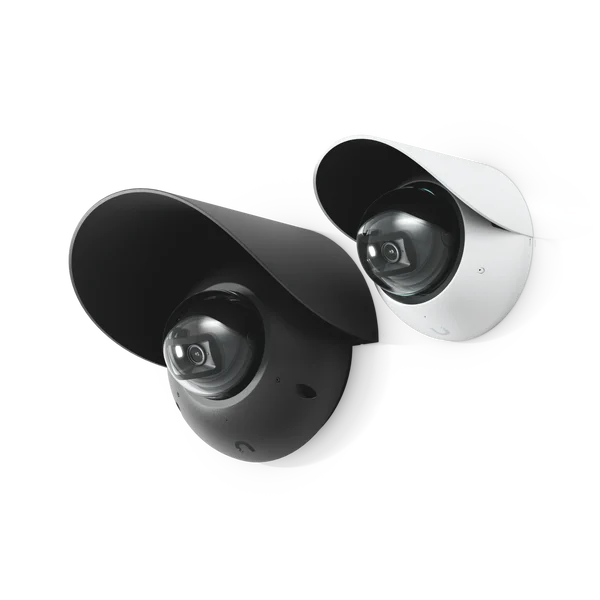
For mounting, powering or extending compatible equipment. We check the correct accessory for the model and site.

For mounting, powering or extending compatible equipment. We check the correct accessory for the model and site.
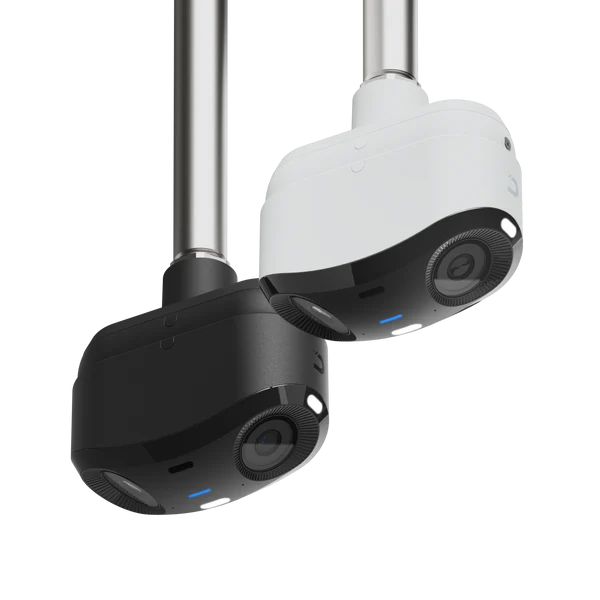
For mounting, powering or extending compatible equipment. We check the correct accessory for the model and site.

For mounting, powering or extending compatible equipment. We check the correct accessory for the model and site.

For mounting, powering or extending compatible equipment. We check the correct accessory for the model and site.

For mounting, powering or extending compatible equipment. We check the correct accessory for the model and site.

For mounting, powering or extending compatible equipment. We check the correct accessory for the model and site.

For mounting, powering or extending compatible equipment. We check the correct accessory for the model and site.

For mounting, powering or extending compatible equipment. We check the correct accessory for the model and site.
For mounting, powering or extending compatible equipment. We check the correct accessory for the model and site.

For mounting, powering or extending compatible equipment. We check the correct accessory for the model and site.
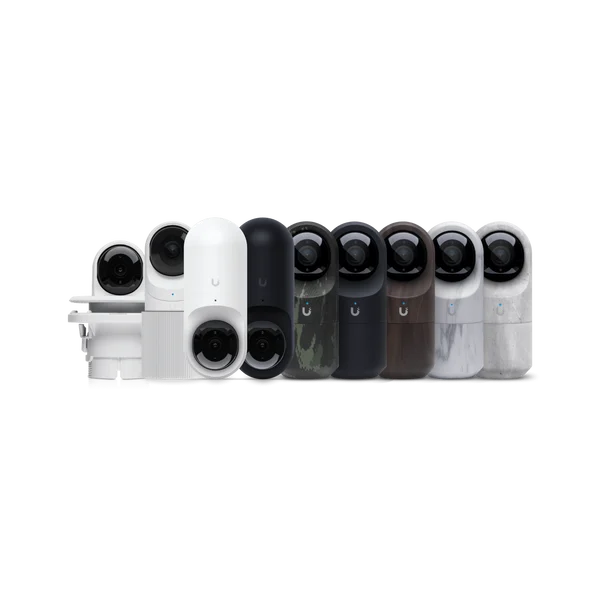
For mounting, powering or extending compatible equipment. We check the correct accessory for the model and site.

For mounting, powering or extending compatible equipment. We check the correct accessory for the model and site.

For mounting, powering or extending compatible equipment. We check the correct accessory for the model and site.

For mounting, powering or extending compatible equipment. We check the correct accessory for the model and site.

For mounting, powering or extending compatible equipment. We check the correct accessory for the model and site.

For additional detection, signalling or integration. We check the required function, gateway and power.

For targeted views of entrances and routes. Lens selection and lighting guide the design.
We plan lenses, coverage, lighting, PoE capacity, networking and storage. Recorders, AI appliances and accessories serve different roles and are selected to suit the project.
Assess areas, lighting, cabling and objectives. Define cameras, sensors, recording capacity and required access.
Mount and adopt devices, segment the network and adjust images. Configure recording, permissions, detections and alerts.
Technical support and management or co-management with your team. Service hours and response times defined in the agreement.
Validate daytime and night-time images, recording, export and recovery. Document the installation and train the team.
It depends on scale and equipment. Options include Protect-compatible consoles, dedicated NVRs and Edge models with standalone operation. We assess capacity, retention and applications before selecting an architecture.
In a deployment with local recording, it can continue while cameras, networking, power and storage remain operational. Remote access and internet-dependent features may be unavailable. Links between sites require a separate assessment.
We can assess ONVIF-compatible cameras. Video, audio, PTZ controls and events depend on each model’s implementation; advanced features may require additional equipment. We validate before integration.
Retention is defined for the installation’s purpose and requirements. We size storage for that period, resolution, camera count and recording mode, then validate usable capacity.
Supported detections help locate events and search recordings with more context. Availability depends on cameras, Protect version and AI appliances. Results require human review.
We define permissions, privacy zones and retention with the site owner. Technical configuration must follow the assessment of purpose, monitored spaces and requirements applicable to the project.
That service is not implicit in installation. We define recipients, hours, responsibilities and response procedures. A notification does not guarantee someone is continuously watching the footage.
Yes. We can start with priority areas and plan expansion of cameras, sensors and storage. We check network, power and recording capacity at each phase.
Tell us what you need to monitor, what is already installed and your recording requirements. We help define a suitable solution and keep it operating.
Product images and video: Ubiquiti / UniFi. Content and service context: Cyberprotech.